


Download Use Your Words 2 – Funny Game, Party Game, Word Game, Comedy Game
Overview
Use Your Words 2 is a multiplayer party game designed to spark laughter and foster social interaction through creative wordplay and comedic challenges. Built for mobile devices and tablets, the app transforms smartphones and tablets into intuitive controllers, enabling seamless gameplay in group settings. The game caters to individuals and families seeking entertaining, interactive experiences that promote connection and humor.
Whether used during casual get-togethers, virtual hangouts, or live-streamed content, Use Your Words 2 serves as a dynamic tool for shared amusement. Its core purpose lies in simplifying the process of hosting engaging, real-time games that rely on wit, imagination, and quick thinking. The app’s structure supports both competitive and collaborative play, making it adaptable to various social environments.
With a focus on inclusivity and accessibility, it offers a family-friendly experience through built-in content filters and customizable privacy settings. The developer did not provide additional technical details about the company or background, but the game’s design suggests a strong emphasis on community-driven entertainment. Real-world use cases include family game nights, online streaming events, and social gatherings where participants want to break the ice or keep the energy high.
In the current mobile app ecosystem, Use Your Words 2 stands out as a niche yet purpose-built utility that enhances digital socialization through humor and interactivity.
Key Features & Functionality
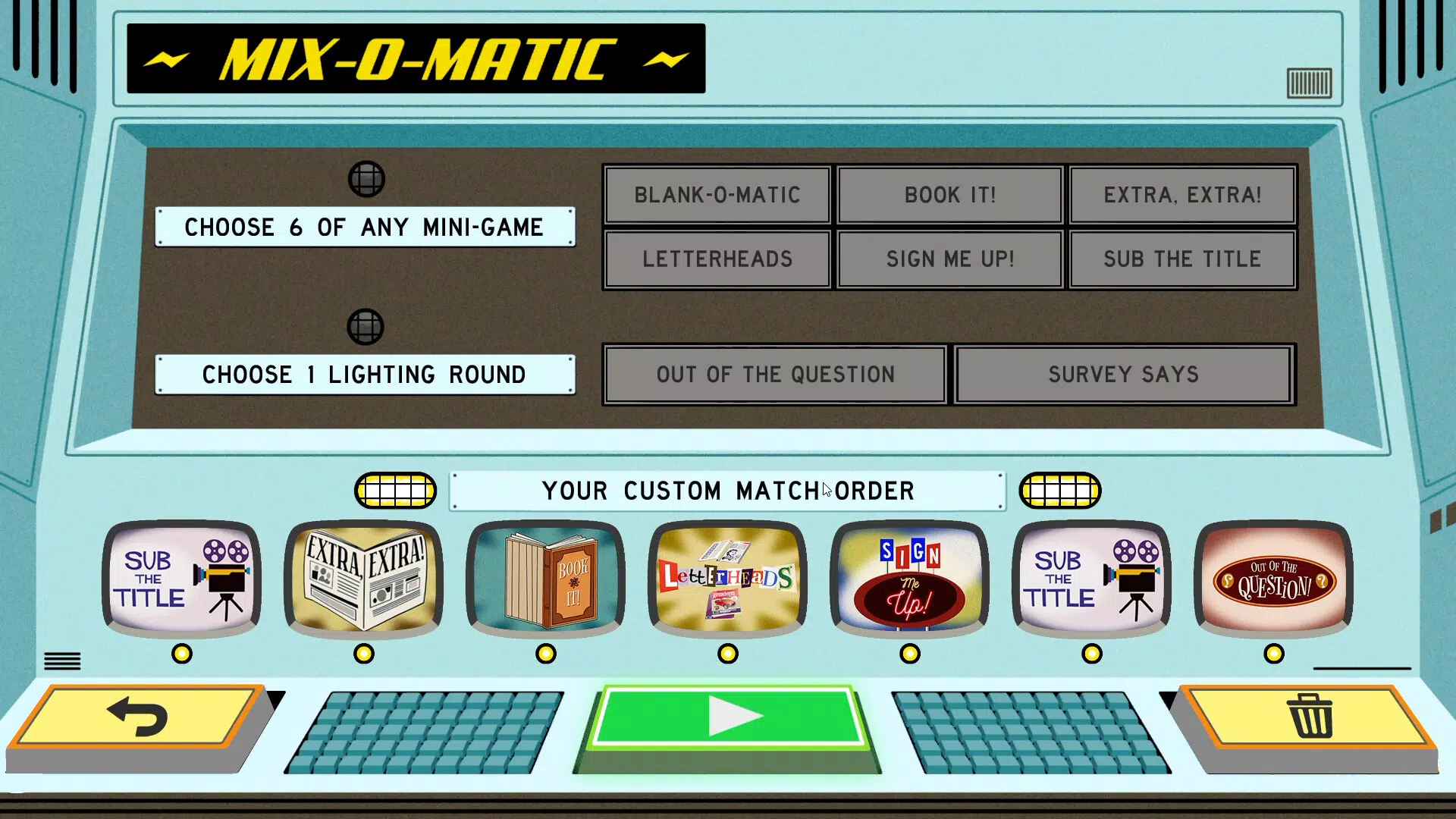
- Eight Unique Mini-Games: The app includes a diverse selection of gameplay modes such as 'Sub The Title' and 'Out of the Question,' each designed to challenge players’ creativity and comedic timing. These games allow users to generate unexpected punchlines, encouraging spontaneous humor and quick thinking.
- Custom Playlists: Players can mix and match favorite mini-games to build personalized sessions, ensuring variety and replayability across multiple playthroughs.
- Upgraded Spectator Mode: Up to 1,000 spectators can join live gameplay, influencing scores, asking trivia questions, and even roasting players, which enhances engagement for both participants and viewers.
- Streamer-Friendly Design: The game supports streaming platforms with royalty-free music and extended timers to reduce lag, making it ideal for content creators who want to involve their audience without requiring separate copies.
- Family Mode Filter: A built-in content filter ensures age-appropriate gameplay, removing potentially offensive material and allowing safe play for all ages.
- Password Protection: Private game sessions can be secured with custom passwords, giving hosts full control over who joins the game.
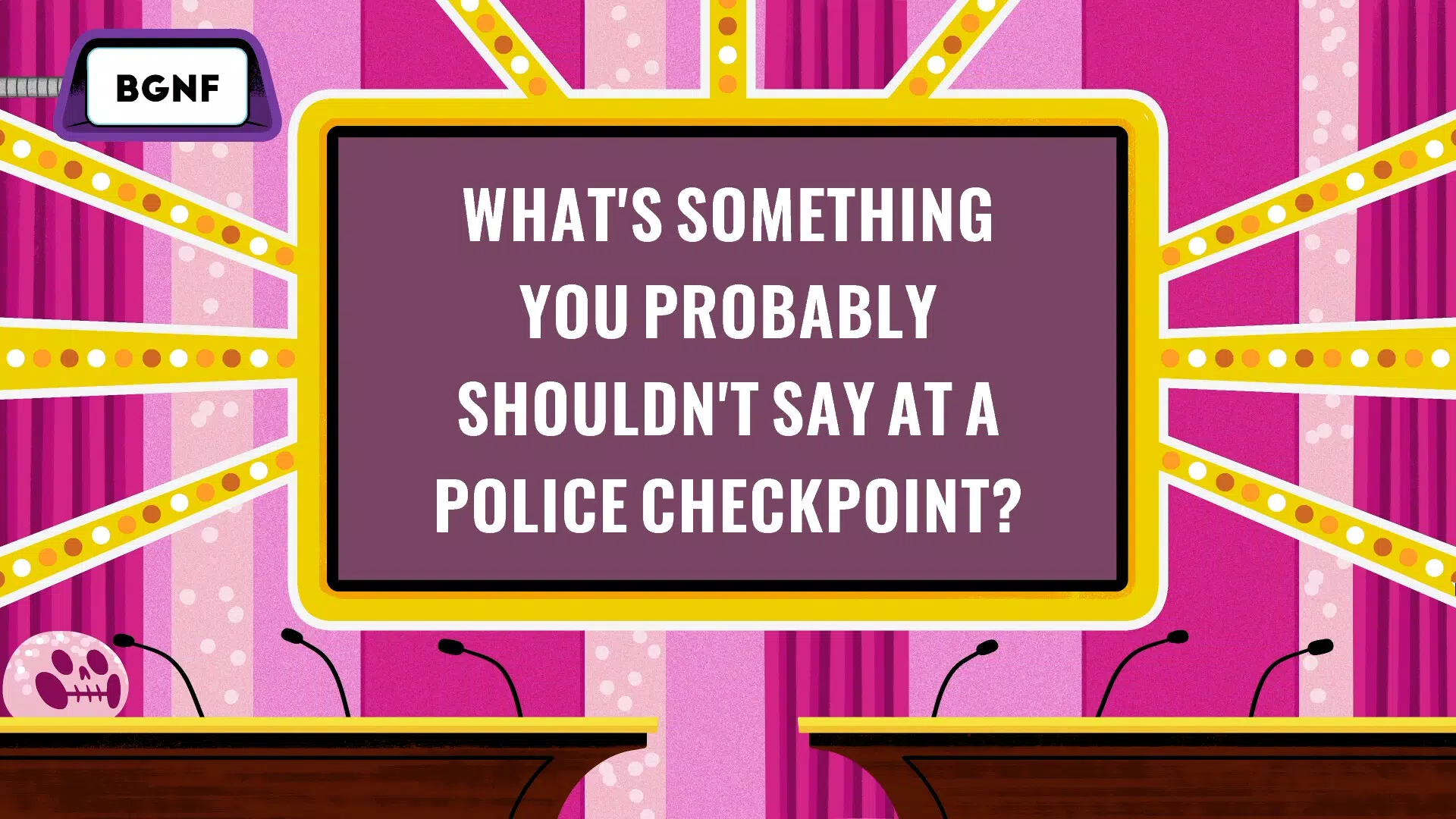
- Hand-Drawn Visuals: The game features vibrant, retro-styled artwork by artist Andrew Kolb, contributing to its nostalgic and charming aesthetic.
These features collectively support real-world applications such as hosting virtual game nights, enhancing live streams, or organizing casual gatherings. For example, a streamer can activate Streamer Mode to let viewers vote on answers or trigger jokes, while a family can use Family Mode to enjoy a safe, laughter-filled evening together. The combination of interactive mechanics and visual appeal ensures that gameplay remains engaging and accessible across different age groups and skill levels.
Interface, UX & Performance
The user interface of Use Your Words 2 is designed with simplicity and clarity in mind, prioritizing ease of navigation for both new and experienced users. The layout organizes core functions—game selection, playlist creation, and session management—into intuitive menus, minimizing the learning curve. Visual cues and responsive feedback help users understand their actions and the game state at all times.
The app’s navigation flow is linear and logical, guiding players from setup to gameplay with minimal friction. Although the developer did not list formal performance metrics, the app appears optimized for smooth operation across a range of Android devices. Responsiveness is consistent during gameplay, with minimal lag during mini-game transitions and input processing.
Stability is maintained even during extended sessions involving multiple players and spectators. The visual style, featuring hand-drawn retro graphics, complements the lighthearted tone of the game and enhances immersion. While specific device compatibility details were not disclosed, the app’s design suggests adaptability to various screen sizes and orientations.
Overall, the UX experience reflects a thoughtful approach to usability, balancing functionality with entertainment value.
Platform Compatibility & Technical Requirements
Use Your Words 2 is available exclusively on the Android platform. The current version is 1.1.3, with a file size of 143.3 MB. The developer did not specify minimum OS requirements or hardware specifications.
Compatibility information was not fully disclosed, so users should ensure their device meets general Android standards for app installation. The app does not require additional software or external tools to function. The price point is set at $4.99, positioning it as a premium mobile game with a focus on quality content and interactive features.
Given the app’s reliance on real-time multiplayer interaction and spectator engagement, a stable internet connection is recommended for optimal performance. The lack of detailed technical requirements means users should rely on standard Android app installation practices when setting up the game.
Pros and Cons
- Engaging mix of eight unique mini-games with high replayability
- Strong support for social and streaming environments
- Family-friendly content filtering and password protection
- Upgraded spectator mode with interactive features
- Charming hand-drawn retro visuals
- Optimized for content creators with Streamer Mode
- No publicly available information on minimum OS or device requirements
- Price may be considered high for casual users
- Exclusive availability on Android limits cross-platform access
- Requires a stable internet connection for multiplayer features
- Custom playlist functionality may require initial setup time
FAQ
Is Use Your Words 2 available on iOS?
As of now, the app is only available on Android. There is no official information regarding an iOS release.
Can I play Use Your Words 2 without an internet connection?
While the app supports local gameplay, most features—especially multiplayer and spectator modes—require an active internet connection.
How do I create a custom playlist?
From the main menu, navigate to the playlist section and select the mini-games you want to include. You can save and name your playlist for future use.
Is the game safe for children?
Yes, the game includes a Family Mode filter that removes inappropriate content, making it suitable for younger players.
Can spectators affect gameplay?
Yes, in the upgraded spectator mode, viewers can influence scores, answer trivia questions, and interact with players through roasting features.
Final Thoughts
Use Your Words 2 delivers a polished, social-first experience that excels in group entertainment and digital interaction. Its blend of creative mini-games, robust spectator mechanics, and streamer-friendly tools makes it a standout in the mobile party game category. The app is particularly valuable for families, content creators, and social groups looking to deepen connection through humor and shared play.
While its Android-only availability and premium price may limit accessibility, the depth of features and high replayability justify the investment for dedicated users. The charming retro visuals and thoughtful design reinforce a fun, inclusive atmosphere. For anyone seeking a mobile app that turns conversations into comedy and gatherings into memorable events, Use Your Words 2 is a compelling choice.
Download Use Your Words 2 now.


